Online booking for a restaurant is the way a customer asks for a table from the website, from an app or from the Google listing, and the venue confirms that slot. In Spain the usual decision is not a single program: CoverManager, TheFork, Reserve with Google and your own form do different jobs. Here I compare what each one publishes on price, commission and the customer’s data, with the pages consulted on 24 September 2026.
Online bookings have to confirm the slot and keep the data
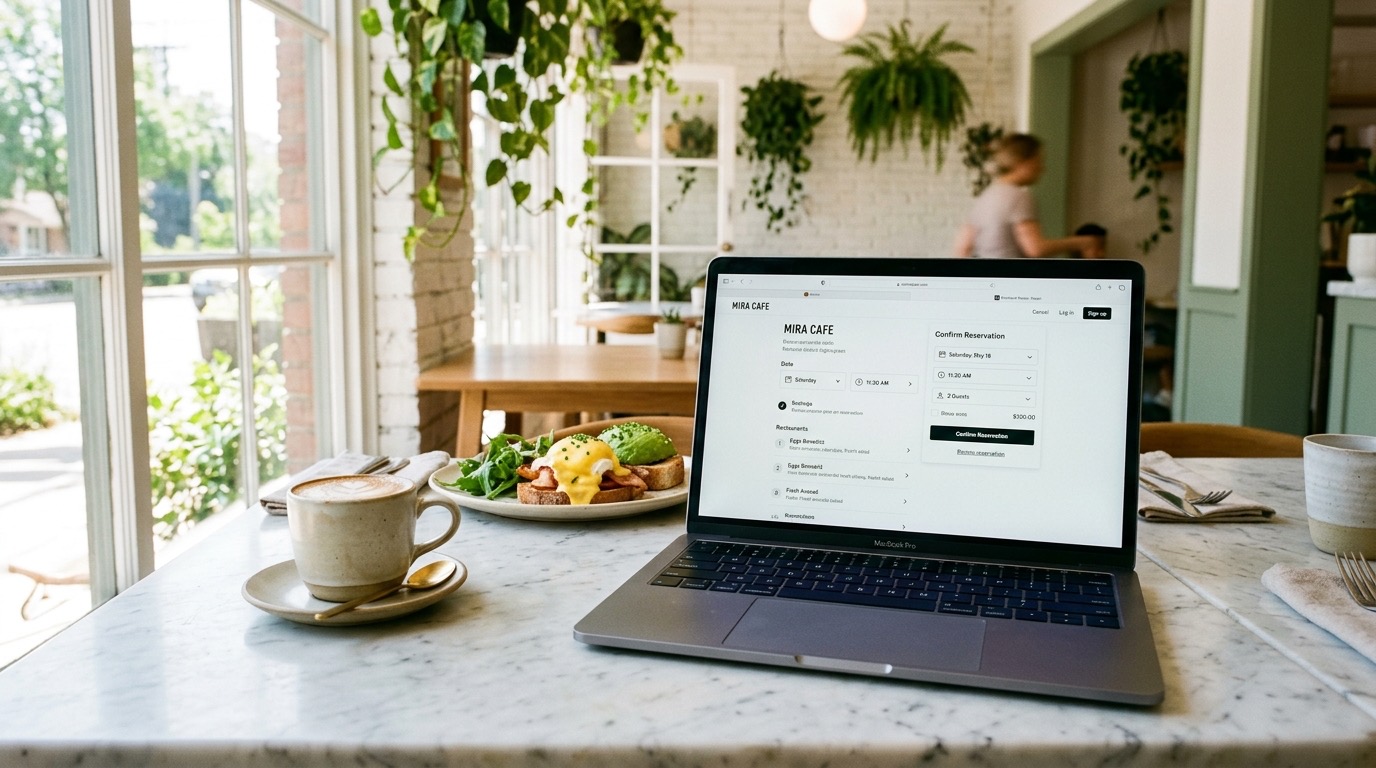
An online booking system has to do three things: show whether there is a table, confirm it and leave the customer’s name somewhere the restaurant can use later. The phone still works. What changes is that the customer wants the table booked from their phone, without waiting for someone to pick up.
Those three tasks are split across four routes, and it is worth naming them before looking at prices:
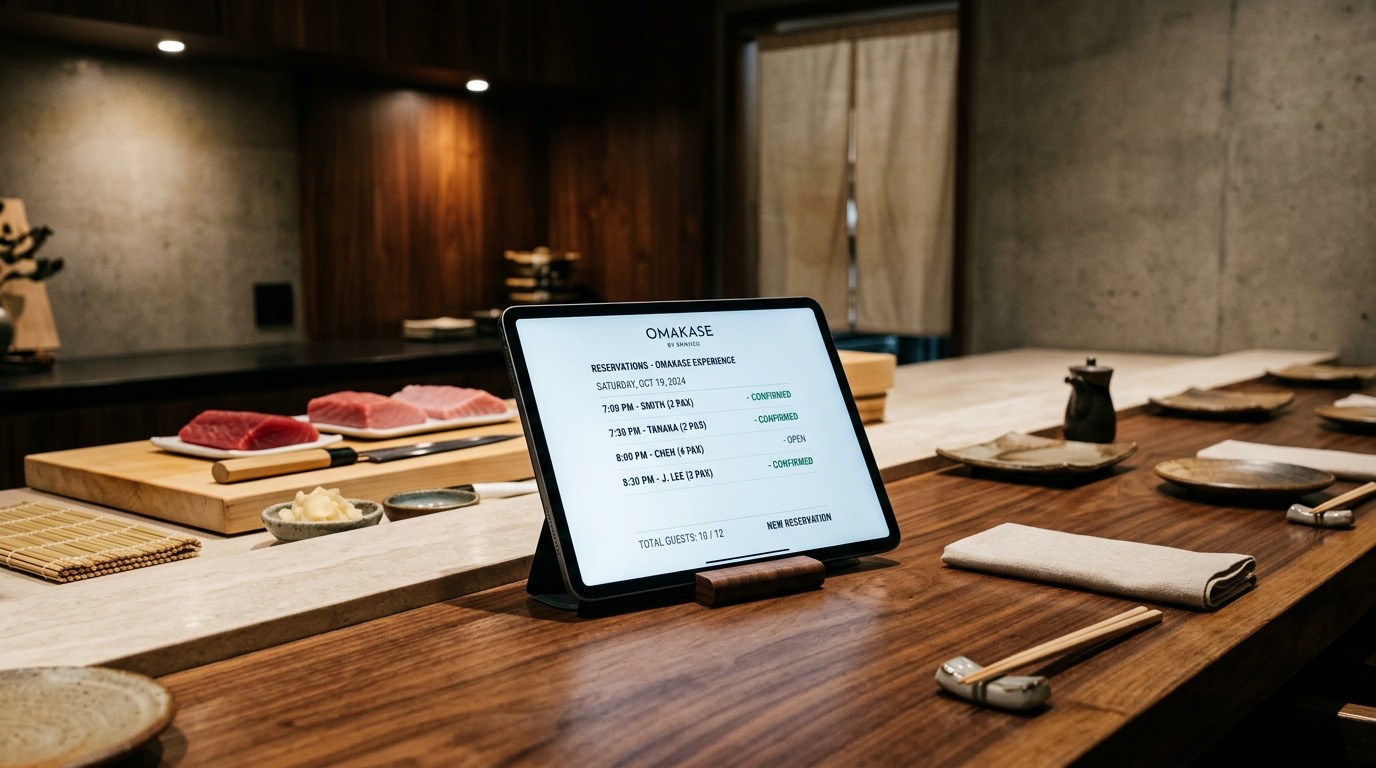
- CoverManager is booking software. The customer books on your website or on the channels you connect, and the floor is managed in its digital book.
- TheFork is a marketplace and, at the same time, software (TheFork Manager). People can find you in its app and you can also put its widget on your website.
- Reserve with Google is the booking button or link on the Business Profile. Google does not hold the floor plan: a provider, or your own page, completes the booking.
- Your own form is a page of yours. It collects name, phone, party size and time. A person cross-checks availability, unless there is an engine behind it.
If you only want the general frame of the website (menu, speed, booking button and listing), it is in what makes a restaurant website successful. This guide stays on the booking.
CoverManager, TheFork, Reserve with Google and the form do not cost the same
CoverManager does not publish euros on its tariff and asks for a demo. TheFork describes a commission as a percentage of the bill on its channel and advertises the widget on your website with no commission, also without euros. Reserve with Google has no Google price: the cost, if there is one, is the provider’s, or zero if you put a link to your page. Your own form has no platform fee.
| Route | What it is | What it publishes on price (24 Sep 2026) | Where the data stays | When it fits |
|---|---|---|---|---|
| CoverManager | Booking software. Standard, Premium and Performance plans on its pricing page. | No amounts in euros. The button is “Request a demo”. On the system page it says “Zero commissions on every direct booking”. | In the software’s customer record, in the restaurant’s name. | A venue with sittings, a waiting list or several channels that want a digital book. |
| TheFork (TheFork Manager) | A discovery app plus software. Visibility, Performance and Enterprise plans. | ”Commission based on a % of the average ticket per customer”. The Visibility plan advertises the website and social widget “with no commissions”. No percentage and no fee in euros. | The marketplace booking goes through TheFork. The widget on your website also uses its engine. | When you want to be found in its app and you accept paying for that diner. |
| Reserve with Google | A button or link on the Business Profile. | Google does not charge a published fee for the button. It warns: “your provider might charge you”. The link to your website is added on the profile. | With a provider, with that provider. With your own link, on your website. | Someone who already looks for you on Maps and has to be able to book from the listing. |
| Your own form | A page or form on your domain. | No fee from a booking platform. | In your email, your spreadsheet or your database. | Few bookings a day, or as a door while there is no engine. |
Sources, consulted on 24 September 2026: covermanager.com/es/precios, covermanager.com/es/solucion/sistema-de-reservas, theforkmanager.com/es/software-restaurantes-precio, Business Profile help on booking providers and links for local businesses. The price of the website that hosts the form, if GastroSEO builds it, is further down and is that of the Professional Website plan.
The short reading: the software organises the floor, the marketplace brings you new diners, Google puts the button where people already look for you, and the form serves you when the volume fits one person. They can be used together. The mistake is paying a discovery commission for the customer who was already coming to your website.
CoverManager publishes plans and does not publish euros
CoverManager is booking software whose pricing page does not show the amount. In the Spanish version, consulted on 24 September 2026, the plans are called Standard, Premium and Performance, and all three close with “Request a demo”. On that page there is no amount in euros.
On the booking-system page, the same day, the text says: “No commissions, no intermediaries” and, further on, “Zero commissions on every direct booking”. It also writes “Trusted by 36,000+ restaurants in 20 countries”. That is its commercial figure, not a census we have checked. The same page says the engine is added to your website, with real-time availability and instant confirmation.
The only tariff in euros we have found with a date is not CoverManager’s public tariff. On 6 February 2026, the Asociación de Empresarios de Hostelería de Gipuzkoa published an agreement for its members, with exclusive prices and excluding VAT: Standard 79 €/mes, Premium 169 €/mes, Performance 269 €/mes (includes reconfirmation SMS) and the CASS phone assistant 149 €/mes. The notice itself limits those figures to new contracts for members while the agreement is in force, and to extensions if there was already a contract. They are not the list price on CoverManager’s page.
Before signing a demo, ask in writing for four things: the monthly fee of the plan, which modules are extra (SMS, card hold, website, pay at the table), whether the booking that comes in through your website carries a commission, and whether you can export the customer database when you leave. The pricing page lists add-ons (phone assistant, takeaway, website, pay at the table) that are activated on top of the plan. The amount of each one is not on the page.
TheFork charges a percentage of the bill and does not say which
TheFork charges for the diners who arrive from its platform, and on its pricing page it does not say how many euros that is. Consulted on 24 September 2026, theforkmanager.com/es/software-restaurantes-precio shows three plans — Visibility, Performance and Enterprise — with no amount. In the pricing block the published formula is “Commission based on a % of the average ticket per customer”. The percentage is not there.
On the Visibility plan there is a concrete sentence about your website: “Install TheFork’s booking widget and receive bookings with no commissions”. In the Enterprise block it says “Google bookings included in the price”. Which plan includes the Google button and which does not, with the page laid out as it is, is a question for its sales team: we do not treat it as settled here.
That separates two channels that often get mixed. The marketplace (the app and the partner sites TheFork names, such as Tripadvisor) is discovery: you pay for the diner they find for you there, with a percentage of the bill that they do not publish. The widget on your website and on your social networks, in the Visibility plan text, goes without that commission. The customer who was already looking for you can book at your place without that cost; the new customer from the app cannot.
There are third-party articles with ranges in euros. I do not use them as a tariff: they do not come from the official page and they do not agree with each other. If a salesperson gives you a number, ask for the contract to state the marketplace commission per diner, the monthly fee if there is one, what happens with the loyalty programmes (on the same page they cite Yums and SuperYums) and the minimum term.
Reserve with Google is the button on the listing
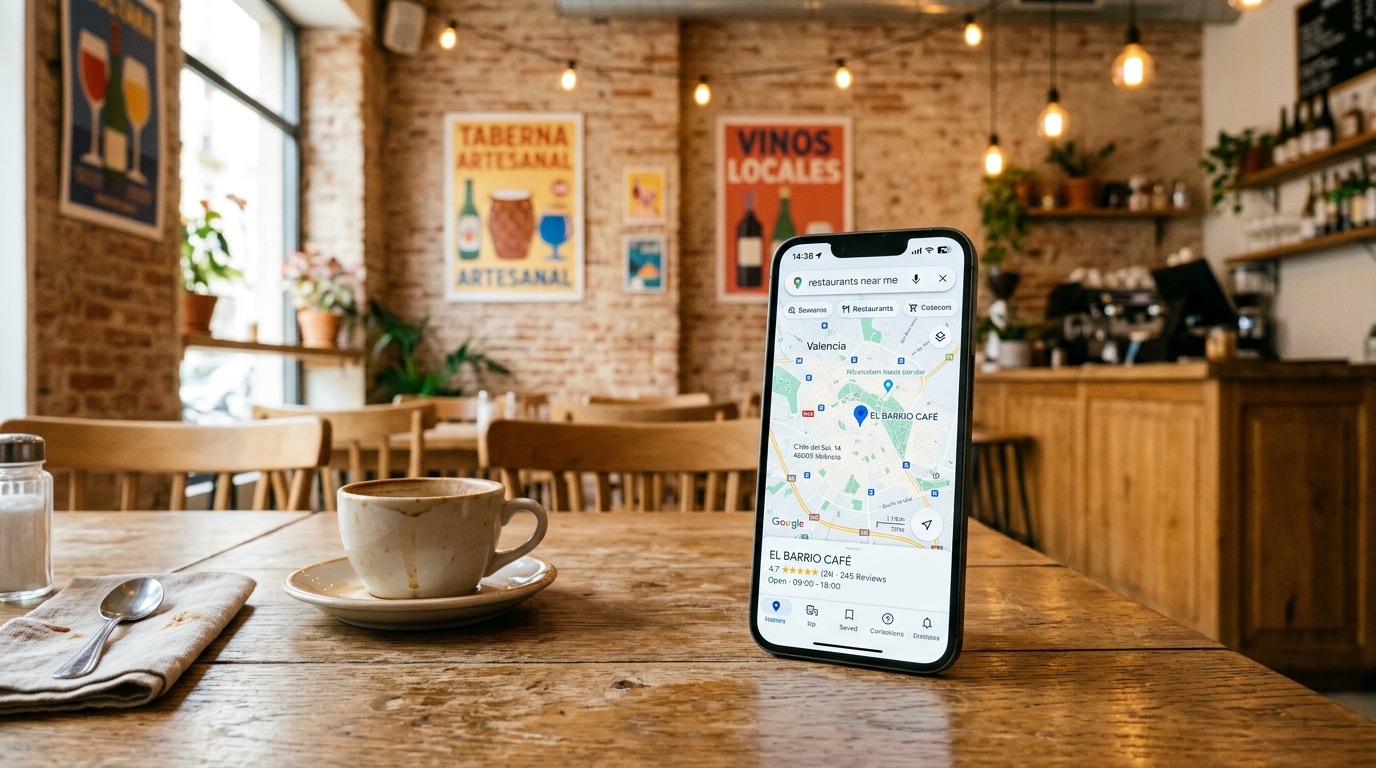
Reserve with Google is the booking the customer starts on the Business Profile, in Search or on Maps. Google shows the entry point and a provider, or a link to your page, finishes the booking. It is not a Google table book.
The official Business Profile help, consulted on 24 September 2026, puts it in two sentences. “When you book through Google, your provider might charge you.” And: “If you do not have a provider managing your bookings, you can find providers available in your country through Reserve with Google. You can also add your own link to your Business Profile.” Providers, the same page says, appear on the profile within a week. Performance data for those bookings is not available for custom links: you can see the performance of bookings made with Reserve with Google.
Your own link has its own help page, also consulted that day. You can add up to ten links per category, and one of those categories is making bookings. If there are several, you can mark a preferred link. A provider that has attached itself to the listing must remove its link within five days of receiving the removal request. The listing’s waiting list, by contrast, asks for a Reserve with Google provider: a loose link does not switch it on.
In practice there are two different buttons. The provider’s lets people book without leaving Google, and the cost is that provider’s (CoverManager, TheFork or another you have contracted). Your own link sends the customer to your website: you do not pay Google to put it there, and the booking is completed wherever you say, form or engine. The listing has to be verified and the data have to match the business; the detail of Business Profile management is on its page.
Your own form is enough when someone can cross-check the tables
Your own form is enough when the day’s bookings fit one person who looks at the book and confirms. It collects name, phone, number of diners, date and time, and it can flag allergies or a celebration. It does not assign a table, it does not block a slot in real time and it does not send a reminder unless you set that up separately.
It works in a neighbourhood bar, in a venue with a single dinner service and few tables, or as a first step while you decide on the software. It fails when two customers choose the same time and nobody sees it until service, or when a no-show uses up the sitting and there is no waiting list and no deposit. At that point the form is still the door on the website, and behind it you need an engine: CoverManager, the TheFork widget or another digital book.
The form text has to say, before sending, what happens if the customer cancels and how long you take to reply. If later you charge a deposit, the charge is another piece: the gateway, not the form. How to compare it is in a payment gateway for restaurants.
Each venue fits a different door
The right route is the one that covers the gap that is failing you today: being found, two tables not overlapping, or the customer booking where they have already looked for you.
A bar with few bookings a day can live with a form
A form on the website, plus the phone and a link on the Google listing, covers a short service. The platform cost is zero. The real cost is the time of the person who confirms. When that time eats into service, you need an engine.
A restaurant with sittings needs a book that blocks the table
That is where software of the CoverManager type fits: floor plan, confirmation and customer record, with a monthly fee you have to ask for in writing because the website does not publish it. Reserve with Google switches on by connecting that software, or with a link to the bookings page on your website. TheFork can add new diners in the quiet hours; the customer who already knows you books on your domain.
A venue that depends on being discovered can use TheFork as a tributary
TheFork makes sense as an acquisition channel if you accept the commission on the bill of whoever arrives from its app, a commission they describe and do not put a figure on. The widget on your website, according to its Visibility plan, does not carry that commission: it is the door for whoever has already chosen you. Using only the app, with no page of your own, leaves the repeat visit in their house.
A group needs the same rule in every venue
Standard, Premium and Performance on CoverManager, or Visibility, Performance and Enterprise on TheFork, are plan names, not a closed recommendation. In a group it matters that the customer database and the floor plan can be seen by venue, and that the price of that layer is in the contract. The public page is not enough to choose it.
Four mistakes when setting up bookings
The expensive failures are treating the Google button as free, sending to the marketplace the person who was already looking for you, publishing the form with no cancellation rule, and counting only the provider’s bookings:
- Treating the Google button as free. Business Profile help says the provider might charge you. The link to your website carries no Google fee; the provider, if you use one, can carry one.
- Sending through the marketplace the customer who was already looking for you. The commission TheFork describes is the one for its channel. If that customer comes in through your website, its own widget text says there is no commission. You need the page.
- Publishing a form with no cancellation rule. The customer confirms in the dark and service does not know what it committed to. The rule goes above the button, not in a hidden PDF.
- Measuring only the provider’s bookings. Google’s help says custom links have no performance data on the profile. Bookings on your website have to be counted on the website: form submissions, clicks on the widget and calls.
On the website, booking sits in the Professional Website plan
At GastroSEO, integration of the booking system sits in the Professional Website plan: 1.490 €, one-off payment. We connect CoverManager, TheFork, OpenTable, Tableo or your own form, inside the website, so the customer books without hunting for a link. If a deposit needs to be charged, the same plan can leave a payment link; the gateway account belongs to the restaurant.
The listing button, the menu and the bookings page are designed together: if the website explains the venue and the listing sends people to another brand, the customer drops off. How to compare the menu (free plan, your own page or a platform) is in a QR digital menu for restaurants. The full website system is in the reference article, and the brand, SEO and website work, in the restaurant marketing agency. To see the plan with the published price, go to web design for restaurants.
Frequently asked questions
Which is better, CoverManager or TheFork?
They do different jobs. CoverManager is booking software with a subscription: its pricing page, consulted on 24 September 2026, does not publish euros and asks for a demo, and its product page says the direct booking carries no commission. TheFork is a marketplace plus software: it publishes a commission as a percentage of the average ticket on its channel, without saying the percentage, and it advertises the widget on your website with no commission. If you already have demand, the digital book weighs more. If you need to be discovered, TheFork can be a channel, with that channel’s commission.
How much does CoverManager cost?
The public pricing page does not show euros: the Standard, Premium and Performance plans end in “Request a demo” (consulted on 24 September 2026). The only dated figure we have seen is an agreement of the Asociación de Empresarios de Hostelería de Gipuzkoa of 6 February 2026, for members only: 79, 169 and 269 €/mes excluding VAT depending on the plan, plus 149 €/mes for the phone assistant. It is not the general tariff. The price that applies is the one they give you in writing after the demo.
How much does TheFork charge per booking?
Its pricing page, consulted on 24 September 2026, says “Commission based on a % of the average ticket per customer” and does not publish the percentage or a fee in euros. On the Visibility plan it writes that the website and social widget receives bookings with no commissions. Any range in euros circulating outside that page is not an official tariff.
Is Reserve with Google free?
Google does not publish a price for the button. In Business Profile help, consulted on 24 September 2026, it warns that the provider might charge you. Adding a link to your own bookings page is a field on the profile, up to ten booking links, with no Google fee in that help. The cost, if there is one, is the software that completes the booking.
Can I put bookings on the Google listing without CoverManager or TheFork?
Yes. The same help says that, if you do not have a provider, you can add your own link to the Business Profile. The customer leaves Google and finishes the booking on your website. Providers take up to a week to appear on the listing, and custom links do not show performance statistics on the profile.
Is a form on the website enough?
It is enough when someone can confirm by hand the few bookings of the day. It collects the data and does not block the table or send a reminder on its own. When there are full sittings, no-shows or two channels at once, the form can still be the door and the table block has to be done by software.
Does the GastroSEO website include bookings?
On the Professional Website plan, 1.490 € one-off payment, we integrate CoverManager, TheFork, OpenTable, Tableo or your own form. The price of the software, if you contract it, is what you agree with that provider: it does not sit inside the 1.490 €. The plan and the published scope are in web design for restaurants.