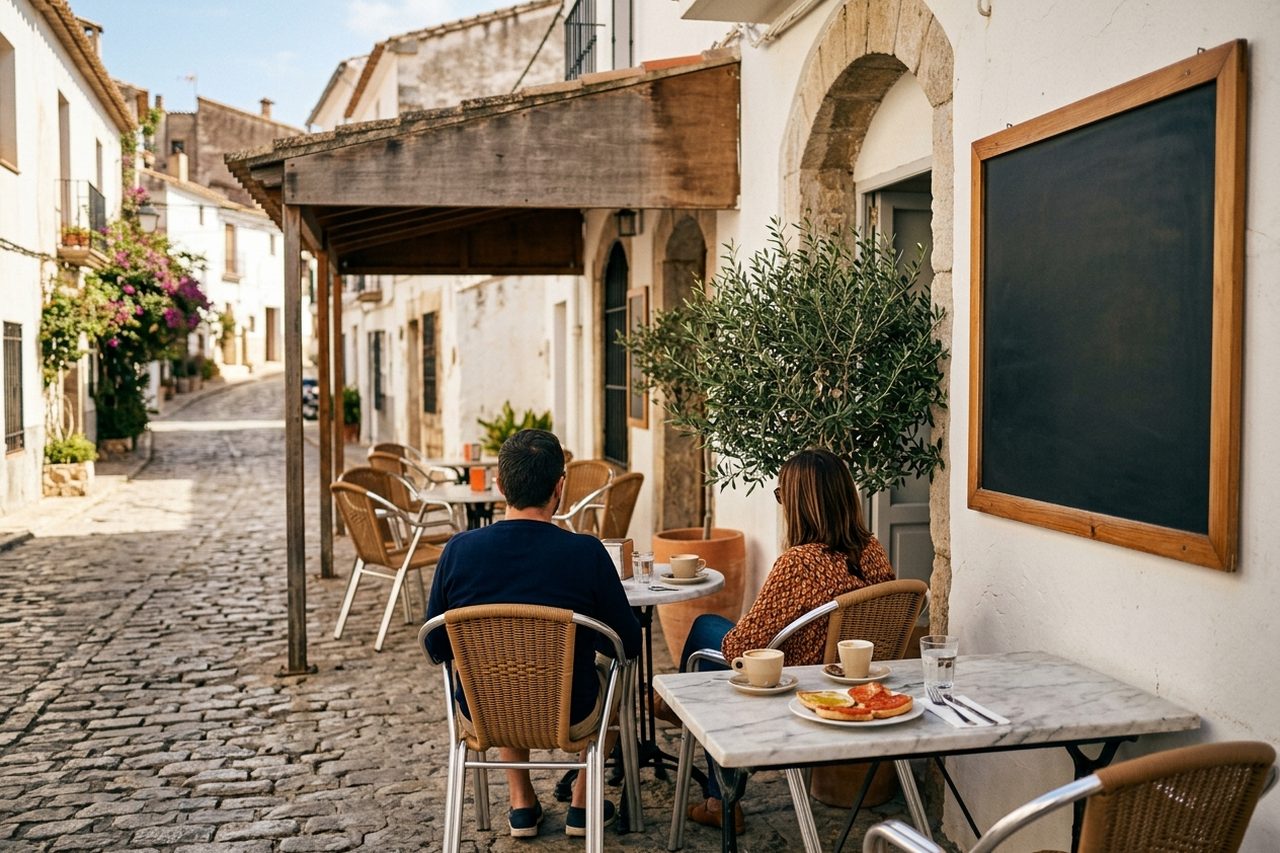
Web design for bars and cafés: a fast site, a QR menu and local SEO
Web design for bars and cafés from 890 €, delivered in 2–4 weeks. A fast site, a QR digital menu, local SEO and a Google Business Profile for hospitality.
The real challenge of web design for bars and cafés: a fast site, a QR menu and local SEO
We design websites for bars and cafés from 890 €, delivered in 2–4 weeks. It is a site built for fast turnover, the set lunch, takeaway and neighbourhood searches, not a restaurant site with bookings forced onto it. It includes a QR digital menu, mobile optimisation and a local SEO base.
What you get
A site centred on the set lunch and a changing menu, not on forced bookings
An updatable QR digital menu for product rotation and takeaway
Mobile-first design for "bar near me" searches
Integration with Google Business Profile and reviews
A light, fast structure for the terrace, split opening hours and takeaway orders
Copy that sells the atmosphere without empty decoration
How we work
The same method on every hospitality project. Clear milestones and a deliverable at each stage.
We collect hours, menu, takeaway, terrace, social channels and the tone of the bar or café.
We define home, menu, location, reviews, takeaway orders and calls to action.
Mobile-first layout, QR digital menu, integrations and speed optimisation.
Final adjustments, basic training and connection to the Google Business Profile.
Who this service is for
What sets web design for a bar or café apart from a restaurant
A bar or café is not a table-service restaurant: the website should prioritise fast turnover, a changing set lunch, takeaway and split opening hours, not a formal booking system. That is why web design for bars and cafés starts from a lighter structure, aimed at a quick decision.
On a restaurant site, the page usually turns around the booking and the tasting-menu experience. In a bar, the customer wants to know whether there is a table on the terrace, whether the set lunch includes dessert, whether they can order a coffee to go, or whether you open at 7:00. That changes the architecture of the page: fewer steps, fewer corporate sections and more direct routes to the menu, the hours and the location. If you are coming from a restaurant web-design project, the logic is similar, but the bar focus is more immediate.
A bar or café also usually has a smaller budget than a booking restaurant, so the design has to solve what is essential without loading features that will not be used. That does not mean a poor site: it means a site focused on what actually converts for this kind of business.
What a bar or café website must have
A bar or café website should answer four questions in seconds: what you serve, what it costs, where you are and when you open. It does not need forced bookings; it needs an up-to-date menu, visible hours, a clear location and a direct route to takeaway or the set lunch.
These are the essential elements:
- An up-to-date menu or set lunch: no PDFs that are unreadable on a phone; a QR digital menu or a light HTML section is better.
- Visible, up-to-date hours: include split opening hours, public holidays and the terrace if it applies.
- A location with Google Maps: embedded, not only a written address.
- Takeaway and orders to go: with a phone number, WhatsApp or a link to the platform you use.
- Google reviews: visible, or linked to the Google Business Profile.
- Instagram or the main social channel: for atmosphere and real social proof.
- A clear call to action: "See the menu", "Order to go" or "How to get here".
The point is not to fill the home page with tabs: it is that each element has a purpose and looks right on a phone.
A QR digital menu for bars: product rotation without friction
A QR digital menu is more useful in a bar or café than in a table-service restaurant because the product changes every day: the set lunch, seasonal tapas, terrace prices or afternoon offers. Updating it as a PDF is slow; with a QR code it changes in minutes and you avoid out-of-date menus.
In a bar, product rotation is high: the set lunch changes every morning, the tapas can vary with the market, and terrace or happy-hour prices get adjusted. A QR digital menu lets you update everything from a panel and reflect it on the site and on the tables without reprinting. Tools such as QRCarta or BuenaCarta do this job, and the site can place the QR code on the home page or in the menu section.
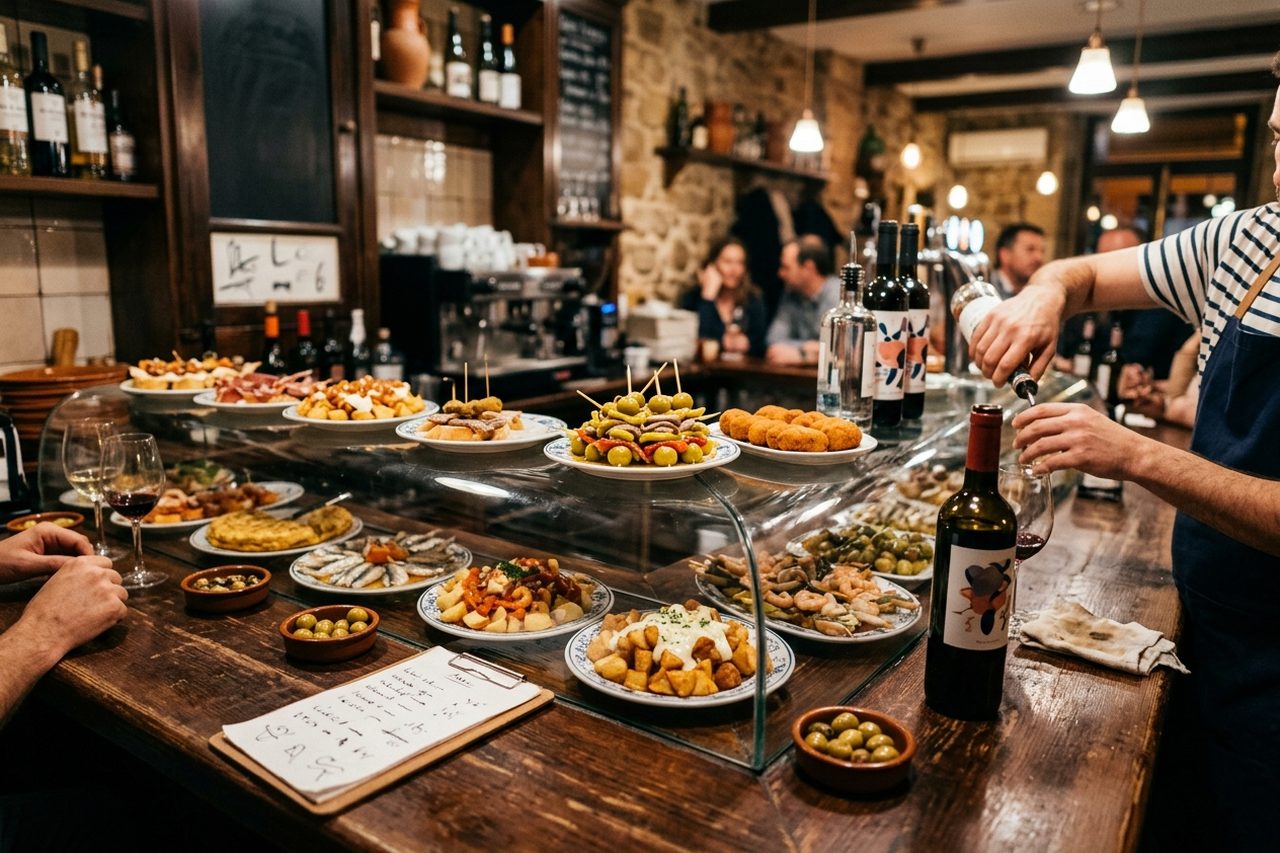
The QR code also reduces friction for the customer on the terrace who wants to order without coming inside, and for the waiter who does not have to explain the set lunch ten times. It is a feature that does more for a bar than for a restaurant with a fixed menu.
Bookings, takeaway and integrations: what a bar needs and what it does not
A typical bar does not need a formal booking engine; it does need takeaway orders, links to delivery if it works with platforms and, in some cases, table booking for the terrace or for groups. TheFork or CoverManager only make sense if the bar offers table service with bookings.
The website should reflect how the business actually works. If it is a neighbourhood bar with a set lunch, the most useful thing is an "Order to go" button with a phone number or WhatsApp, and a note on whether there is a terrace. If it is a café with brunch and limited tables, a light booking form can make sense, but a restaurant booking engine is not required. If the bar already uses TheFork or CoverManager, it can be integrated; if it does not, there is no need to force it.
The key integrations for a bar or café are: Google Maps, Google Business Profile, Instagram, WhatsApp Business and the QR digital menu. Everything else is extra if it is not part of the day.
Visual design: conveying the atmosphere of the bar or café
A bar or café website should convey the atmosphere in three seconds: light, texture, product and the visual noise of the bar. It is not about filling the page with stock photos. It is about real photography of the venue, type with character and a visual hierarchy that leads to the menu and the hours.
The visual design of a bar is not decoration: it is information. A speciality café needs a clean site, with type that recalls the brand and photos of the coffee and the room. A tapas bar needs more warmth, colours that point to the product and a structure that does not hide the menu. Real photography is the base: natural light, recognisable product and atmosphere, nothing from a stock library.
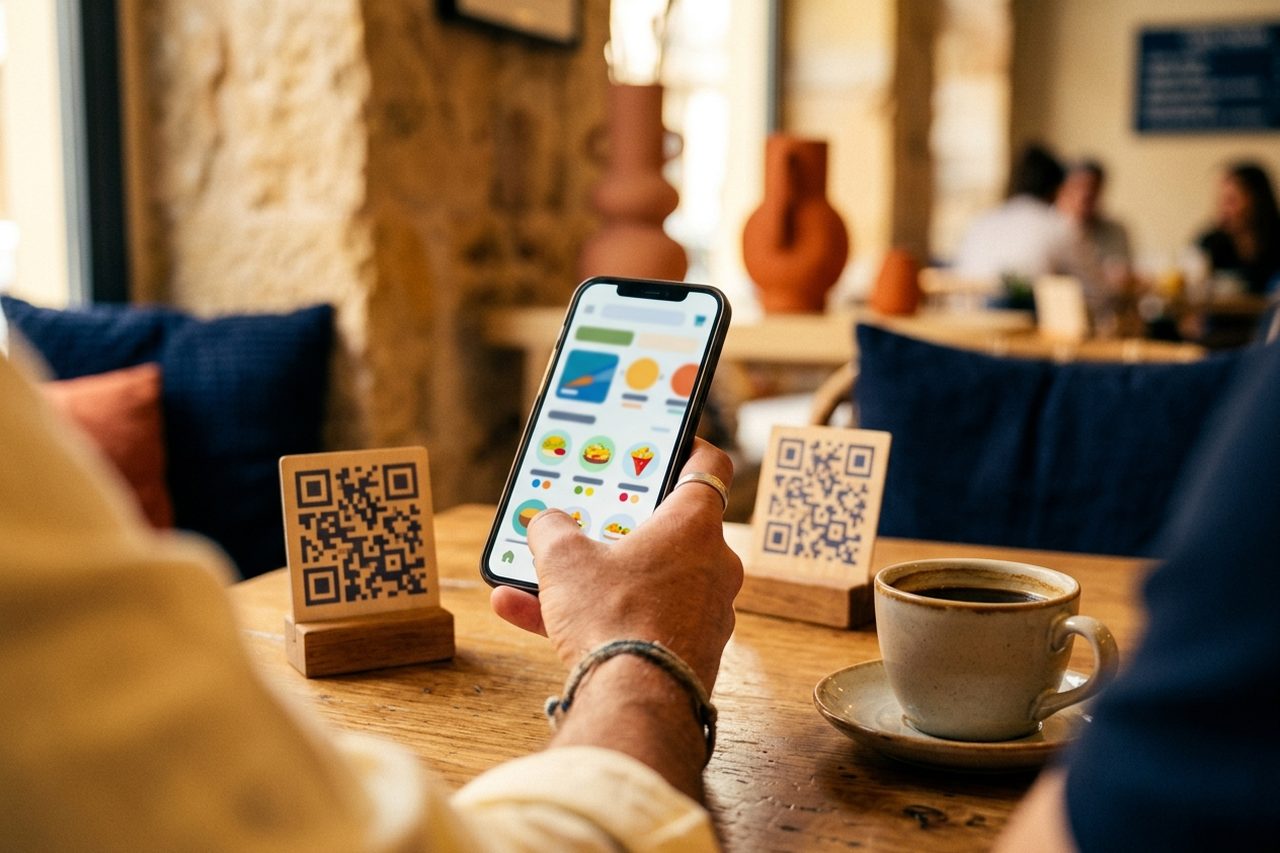
The visual hierarchy should prioritise what the customer is looking for: menu, hours, location and contact. The logo and the colour palette reinforce the brand, but they cannot delay looking at the menu.
Reviews and social proof for a neighbourhood bar
Google reviews are the most direct social proof for a neighbourhood bar: the customer searching "bar near me" compares the score and the comments before deciding. The website should include those reviews and link to the Google Business Profile, without inflating figures.
In a neighbourhood bar, reputation is everything. A new customer does not know whether the coffee is good or whether the terrace is pleasant; they look at the reviews and the photos from other customers. The site can show a block with the best reviews, link to the Google listing and encourage a review after the visit. There is no need to invent percentages: it is enough that the social proof is visible and up to date.
Managing the Google Business Profile is complementary: if the reviews are well looked after, the site and the listing reinforce each other. You can see more in Google Business Profile management.
Mobile, speed and local SEO for bars
Bar and café searches are nearby and immediate ("bar near me", "café open now") and they are made from a phone, with a nearby intent: "bar near me", "café open now". The site has to load fast, be optimised for mobile and rest on the Google Business Profile and local SEO.
The phone is the main channel: the customer searches while walking, compares options and decides in minutes. A slow site, or one that looks wrong on a phone, loses the chance before it shows the menu. That is why we work with a mobile-first layout, optimised images and a light structure. Local SEO for bars does not depend only on the website: the Google Business Profile, the reviews and a consistent name, address and phone are key. If you want to go further, see the SEO guide for cafés or the local SEO for hospitality service.
The website should be connected to the Google listing and to nearby searches, not competing with them.
Comparison table: your own site vs a generic template vs relying only on social
A site of your own is not a whim: it is the only channel where you control the menu, the hours, the local SEO and the brand image without depending on Instagram's algorithm or on the Google listing. This table compares the real options for a bar or café.
| Factor | Your own site with GastroSEO | Generic template | Social media / Google Maps only |
|---|---|---|---|
| Control of the menu and hours | Full, and updatable | Partial, depending on the template | Limited, subject to the platform |
| Local SEO | Can be optimised | Depends on the template | Depends on Google Maps |
| Brand image | Custom | Generic | Little |
| Mobile speed | Optimised | Variable | Does not apply |
| Ownership of the data | Yours | Shared | The platform's |
| Upfront cost | From 890 € | Low or none | None |
You can see a real example in the portfolio: Stillroom, a gastro cocktail bar in Los Jerónimos (Madrid), with four menus, table booking through TheFork, event catering and an English version. In the full portfolio you will see how we handle the menu, the hours and the Google listing in hospitality; the standard is the same one we apply to a bar and to other hospitality businesses.
Prices and timelines for web design for bars and cafés
Web design for bars and cafés at GastroSEO starts at 890 € and is delivered in 2–4 weeks, with three plans depending on the need for a QR menu, takeaway orders and local SEO. There are no compulsory fees: the payment is a one-off.
The Essential plan covers a light site with a basic QR digital menu and mobile optimisation. The Professional plan adds hospitality copywriting, local SEO and a multi-page structure built for the set lunch and takeaway. The Premium plan includes custom visual design, integrated takeaway orders and maintenance for the first months. The three plans are set out at the end of this page.
If you are coming from a restaurant web design project and want to adapt the site to a bar or café, the starting point is the same: define what the business needs and leave out what it does not. To talk about your case, contact GastroSEO.
Choose the plan that fits your restaurant or other hospitality business
Three clear options, by the size and ambition of the business. They fit restaurants, pastry shops, bakeries, gourmet shops, food trucks, dark kitchens, catering, cooking schools and any other food business. Every plan includes a fully responsive design and direct support.
A light site for bars and cafés that need a clear presence and a QR digital menu, without extra features.
A multi-page site for bars and cafés with a set lunch, takeaway and local SEO aimed at nearby searches.
A custom site with advanced visual design, integrated takeaway orders and maintenance for the first months.
Common questions about web design for bars and cafés: a fast site, a QR menu and local SEO
What should a bar or café website have?
It should have an up-to-date menu or set lunch, visible hours, a location with Google Maps, a way to take away or order to go, Google reviews and a clear call to action. It does not need forced bookings or corporate sections. The priority is that the customer finds, in seconds, what you serve, what it costs, where you are and when you open, especially from a phone.
How much does a bar or café website cost?
At GastroSEO, web design for bars and cafés starts at 890 € on the Essential plan, 1.490 € for Professional and 2.490 € for Premium, always as a one-off. Delivery is in 2–4 weeks. There are no compulsory monthly fees; maintenance or local SEO are separate services if you need them.
Do I need a booking system if I have a bar?
In most bars, no. A neighbourhood bar, café or terrace works on fast turnover and does not need a booking engine. It only makes sense if you offer table service with limited covers, brunch with sittings or group bookings. In that case TheFork or CoverManager can be integrated, but it is not essential for a typical bar.
Is a QR digital menu necessary in a bar?
Yes. It is one of the most useful features for a bar or café. The set lunch, the tapas and the prices change often, and the QR code lets you update the menu in minutes without reprinting. It also reduces friction on the terrace and for takeaway. Tools such as QRCarta or BuenaCarta live on their own domain: what you publish there does not add to your site. On our plans the QR menu sits inside your own site, so every update also works for your SEO.
What makes the most money in a bar, and how should my website reflect it?
In many bars, the best margin is in drinks, coffee, breakfasts and a high-turnover set lunch, not in elaborate restaurant dishes. The website should reflect that: highlight the set lunch, coffee to go, terrace offers and the busiest hours. That steers the customer's decision toward what actually supports the business.
How do I get found for "bar near me" searches?
With local SEO: an optimised Google Business Profile, real reviews, a consistent name, address and phone, and a website that is fast on mobile. The site should include the location with Google Maps, up-to-date hours and natural keywords such as "bar in [neighbourhood]" or "café near me". Showing up in local directories and replying to reviews also helps.
What is the difference between web design for a café and for a restaurant?
A café prioritises breakfasts, coffee to go, pastries and fast turnover; a restaurant prioritises bookings, a seasonal menu and the table experience. A café website should be lighter, with split opening hours, takeaway and a QR digital menu. It does not need a formal booking engine or the architecture of a tasting menu.
How do Google reviews affect a neighbourhood bar?
A great deal: the customer searching "bar near me" compares the score and the comments before deciding. Reviews work as neighbourhood social proof and strengthen the Google Business Profile. The website should show the best reviews and link to the listing so the customer can see the real reputation without leaving the decision.
Other GastroSEO services
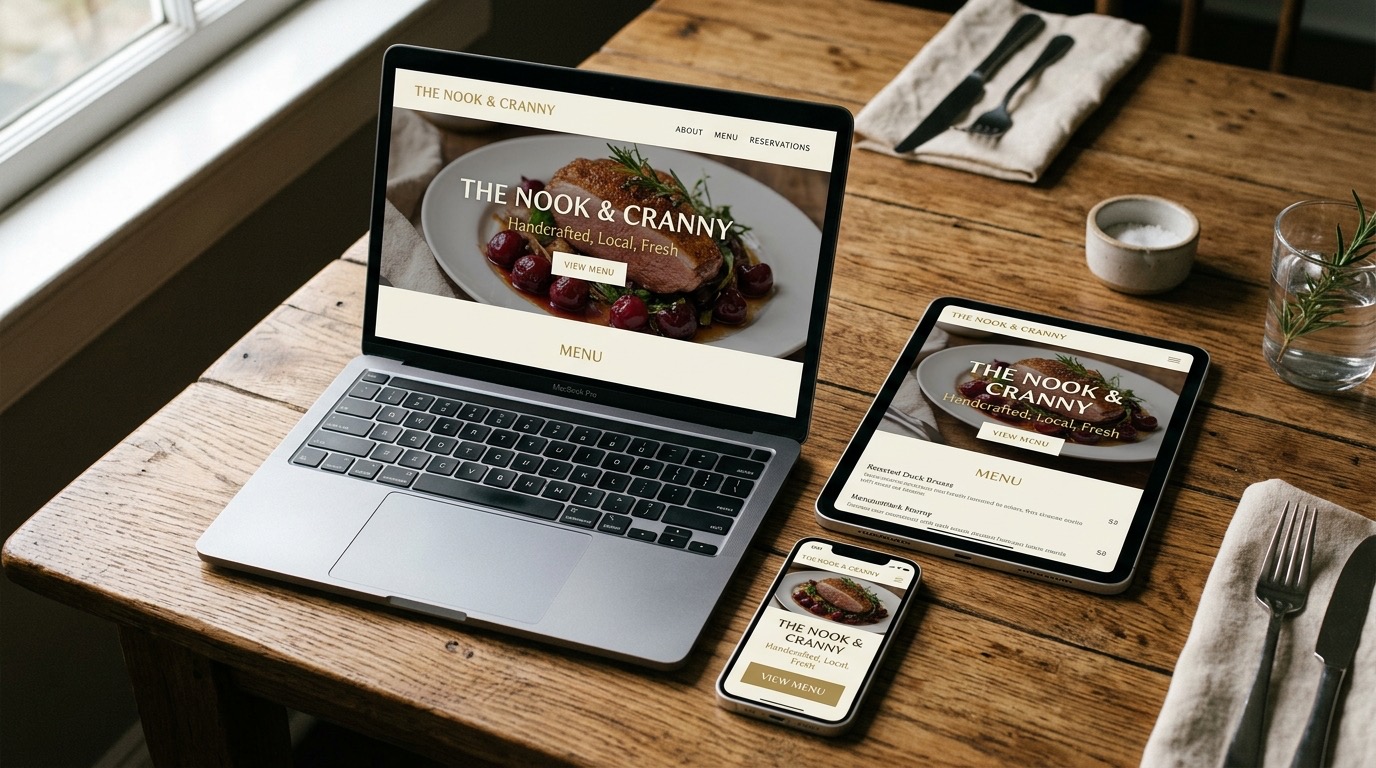
Web design and websites for restaurants and hospitality
Web design for restaurants, bars, hotels and hospitality businesses: fast sites with local SEO and online bookings. From...
See the service →
Website for cooking schools
Web design for cooking schools and culinary academies: a course catalogue, a place booking and local SEO. Three plans fr...
See the service →
Rural house web design: direct sales for your stay
Rural house web design with your own booking engine, local SEO and season management. From 890 € and delivered in 2–4 we...
See the service →Interested in web design for bars and cafés: a fast site, a QR menu and local SEO?
Book the Local SEO Audit Pro (290 €) and we prepare a proposal for your business. It is credited in full if you hire the GastroSEO plan within 30 days.