Your website is not a simple shop window: it is the first table your customer takes before deciding whether to walk through the door. The short answer to what a restaurant website needs is this: clear contact details, a menu you can see without downloads, bookings in two taps, real photographs, a connected Google Business Profile listing and a technical base that is fast, accessible and legally sound. Everything else adds something, but if the essentials fail, the customer goes to the competition in seconds.
Quick checklist: the essential elements of a restaurant website
This list is the “what”. The “why” and the full system (attraction, conversion and local projection) are in our reference article on what makes a restaurant website successful.
Before going into detail, this table sums up what cannot be missing.
| Element | Essential? | Why? |
|---|---|---|
| Address, phone and hours visible | Yes | It is the first thing someone looks for once they have decided to come |
| Menu in HTML, not only as a PDF | Yes | PDFs are hard to read on a phone and do not index well |
| A book button that is always visible | Yes | If you have to look for it, it does not exist |
| Real photographs of dishes and the venue | Yes | Food enters through the eyes, digitally too |
| Legal notice, privacy and cookies | Yes | A legal obligation and a sign of seriousness |
| A linked Google Business Profile listing | Yes | It strengthens local SEO and centralises reviews |
| Online orders or takeaway | It depends | Only if your business model includes it |
| A blog with local content | Optional | It contributes to rankings in the medium term |
| A multilingual page | Optional | Only if your clientele justifies it |
| An events and private-hire section | Optional | Relevant for restaurants with a large room |
Basic information and contact details: what the customer looks for in three seconds
Someone who lands on a restaurant’s website usually arrives in a hurry and hungry, and looks for three things: where you are, when you open and how to book. If they do not see it at a glance, patience runs out.
The address should be in text, not only on a map, so it can be copied into Google Maps or Waze, with some useful reference (“50 metres from the town-hall square”). The hours should be real and kept up to date: no “we are open every day” if you close on Mondays, and if there are split hours or the kitchen closes before the dining room, say so. The phone number should be tappable on a phone, not an image or a piece of text that forces someone to memorise it; the same with WhatsApp if you use it for bookings.
A local SEO detail: the contact information should be identical on your website, your Google Business Profile listing and the directories where you appear. This is called consistent NAP, one of the signals Google uses to decide whether your business is reliable.
An accessible digital menu: neither an unreadable PDF nor blurry photos
The menu is the heart of a restaurant’s website, and yet we still find scanned PDF menus, with tiny type, that force people to zoom and are slow to load: that is handing customers to the competition.
The menu should be in HTML, built into the page: it loads quickly, it adapts to any screen, it is updated without touching the design, Google can index it (ranking for specific dishes, “arroz meloso de carabineros en Valencia”) and it is accessible to screen readers. If you also want a QR version, you can link that same page: the same URL serves the website and the code on the tables.
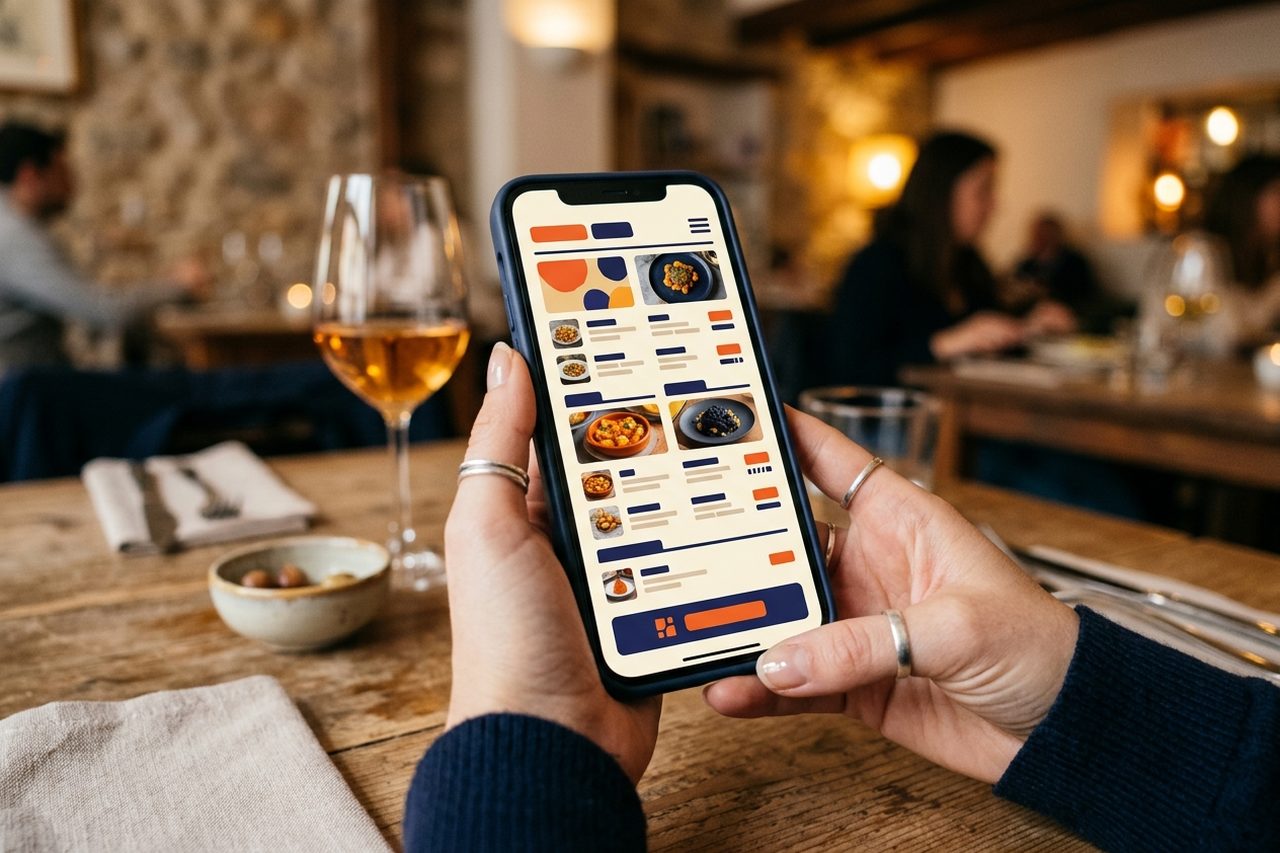
Include prices, allergens and a clear indication of vegetarian, vegan or gluten-free dishes: it is information the customer checks before deciding whether your restaurant works for their group.
An integrated online booking system: the button that cannot be hidden
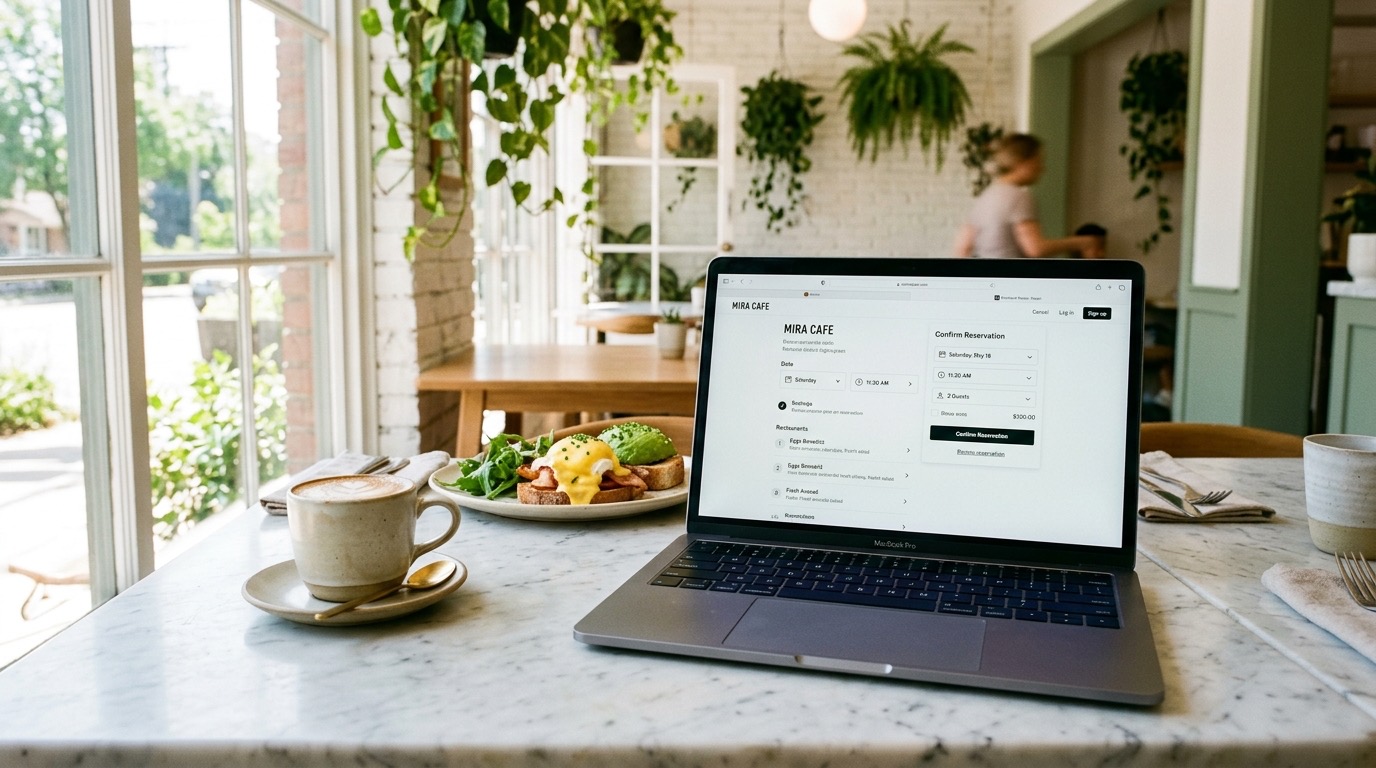
If your restaurant takes bookings, the button should always be visible, with no scrolling: fixed at the bottom on a phone, prominent in the header on desktop.
There are several ways to manage them: TheFork and TheFork Manager give visibility in exchange for a commission per guest; CoverManager offers more control and less dependence on third parties; Reserve with Google lets people book from the Google Business Profile listing itself, with no intermediaries.
The choice depends on booking volume, on the margin you give away and on the control you want over the data. What is non-negotiable is that the process is short. A warning: if the system collects personal data (name, phone, email, allergies), that has legal implications — we look at them in the GDPR section.
Professional photography and storytelling: food enters through the eyes
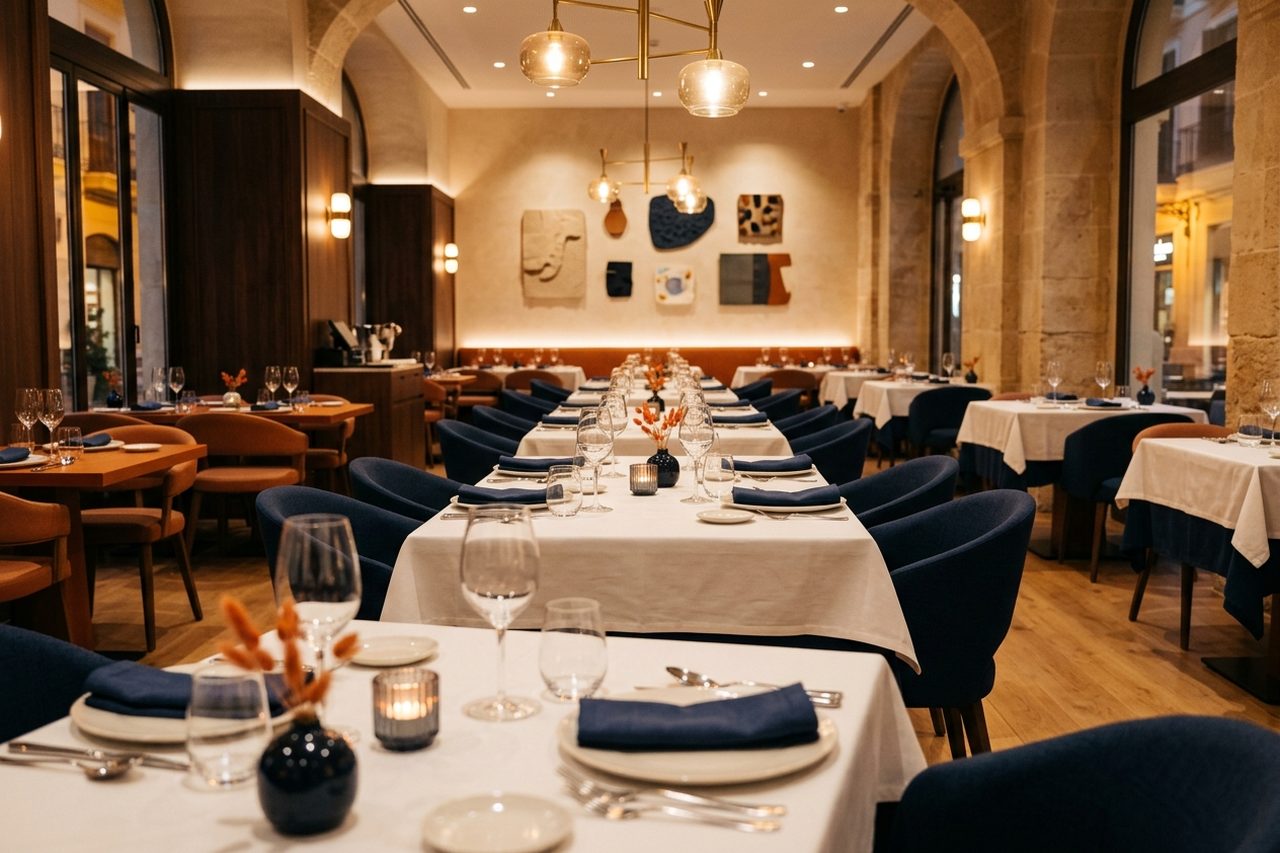
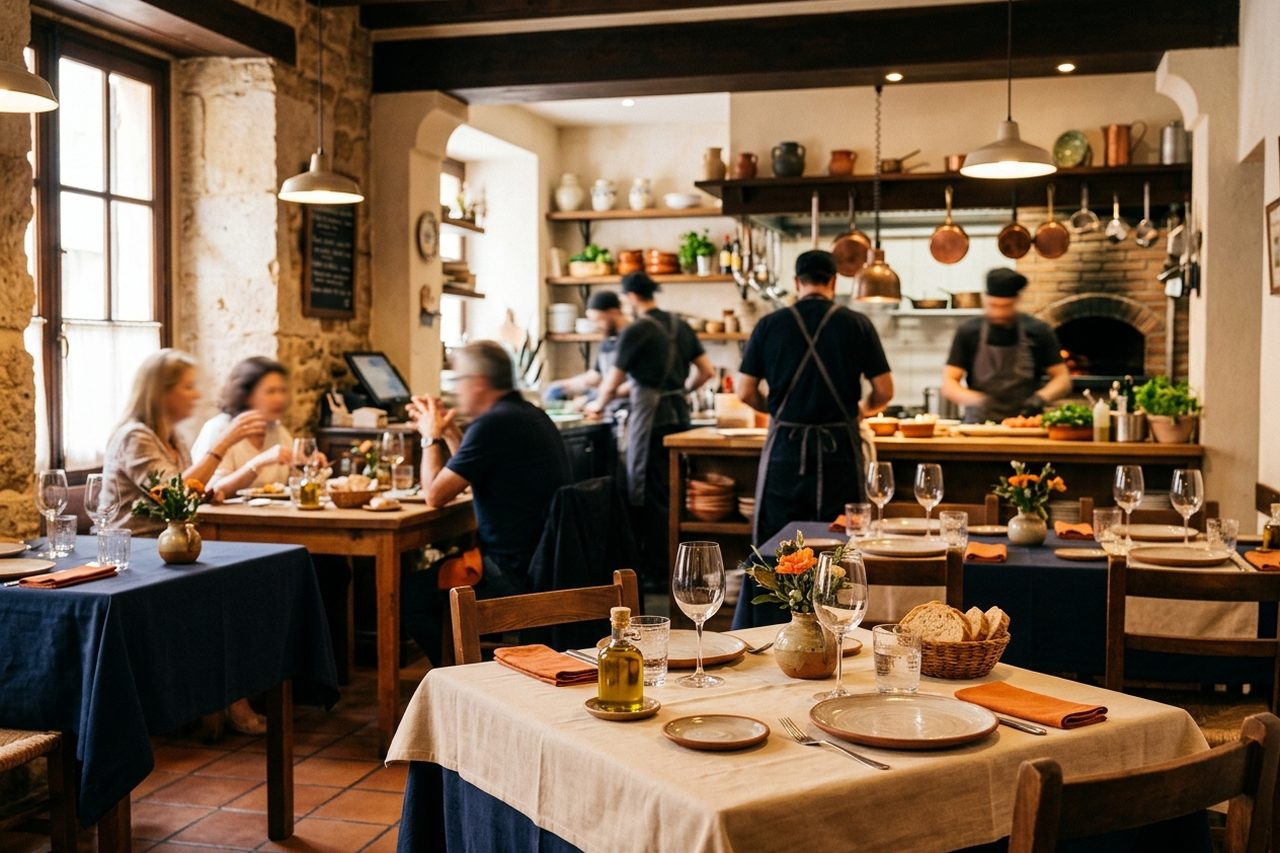
Photography is the investment with the best return on a restaurant’s website: you do not need a huge shoot; a handful of well-made images of the most representative dishes, the venue and the team is enough.
The photos should be real. No stock libraries with dishes that do not look like what you serve: the customer who receives something different from what they saw on the website feels misled, and with reason.
The “about us” section is the place to say who is behind the stove. With three or four honest sentences, the customer connects better than with a generic text. “Market cooking with local produce” is what everyone says; “we work with three farmers in the Maresme and we change the menu every month according to what they bring us” says something real.
Online orders and takeaway: only if your model calls for them
Not every restaurant needs online orders: a tasting menu probably does not want them, a burger restaurant or a pizzeria almost certainly does. If you include them, the integration should be as simple as bookings: a visible button, a menu with prices and clear payment. Delivery platforms (Glovo, Uber Eats, Just Eat) solve the logistics but charge a commission per order and take the customer’s data away from you; your own system gives you margin and data, in exchange for you managing the logistics. What you should avoid is an “order online” button that leads to a broken page.
If the website is going to take payment (orders, booking deposits or gift vouchers), choose the gateway carefully: we compare Stripe, Redsys, Bizum, Shopify Payments and crypto with official commissions in payment gateways for restaurants and gourmet shops.
Local SEO and a connected Google Business Profile listing
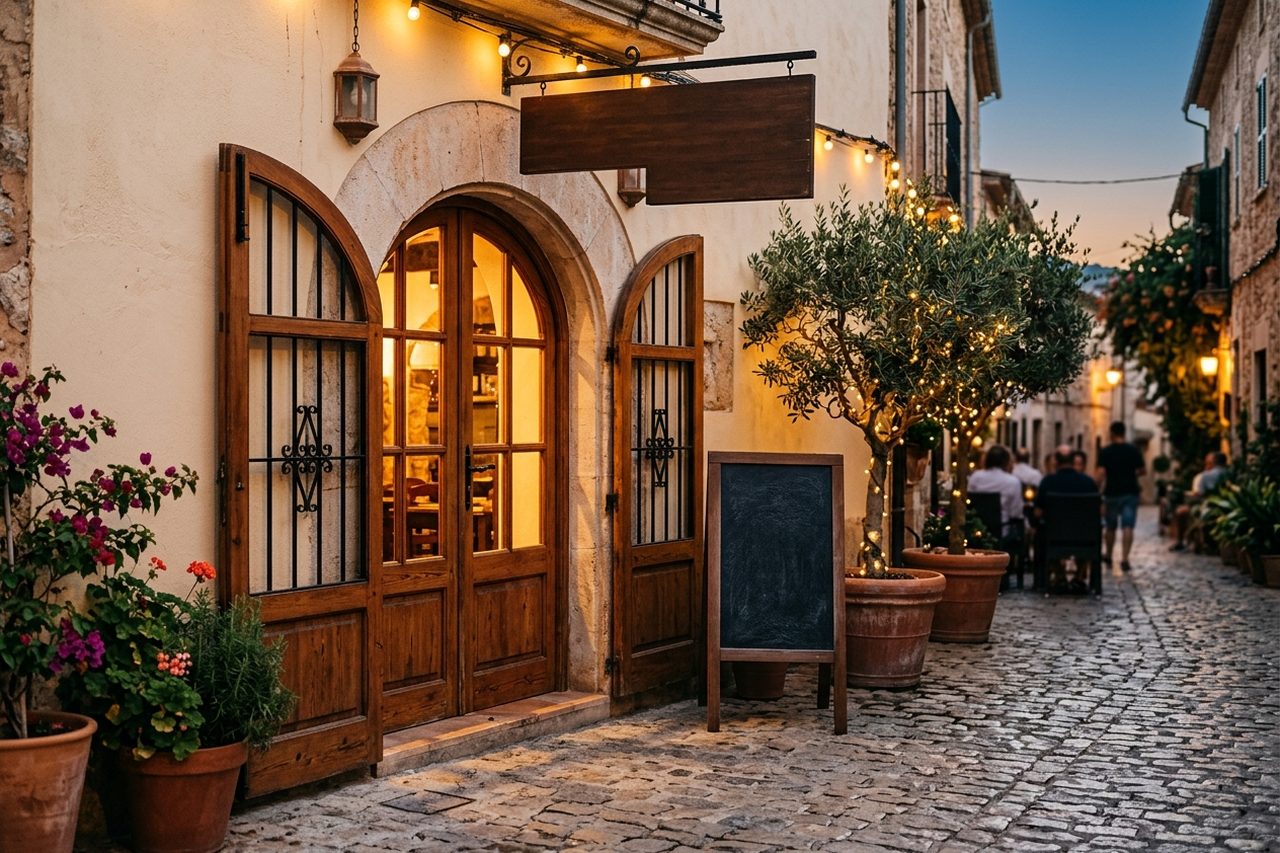
Here is one of the gaps most guides do not cover well: a pretty website with no local SEO is like a restaurant hidden in a dead-end alley; it can be excellent, but nobody finds it.
The Google Business Profile listing is your shop window on Maps and in local searches. It should be claimed, verified and kept up to date, with the same data as your website. The reviews customers leave influence your ranking and the decision of anyone comparing you with the place next door — we have a guide on the influence of reviews on restaurant choice.
Restaurant and Menu Schema.org markup helps Google understand what cooking you offer, your price range, address and hours, and it is the basis of rich results. Google takes the rating stars from your Google Business listing, not from the markup on your website.
Local SEO for restaurants is a discipline in itself: consistent NAP, local citations, reviews, localised content. You can go deeper in our guide on what local SEO for restaurants is.
Speed, mobile-first and accessibility: the technical base you do not see
More and more customers will visit your website from a phone, in a hurry. If the page is slow to load, they leave: it is human behaviour.
Google indexes on a mobile-first basis: the mobile version determines your ranking. If your website is designed for desktop and looks bad on a phone, you penalise your SEO without knowing it. Speed is measured with the Core Web Vitals, the metrics Google uses as a ranking factor: a slow website frustrates the user and tells Google it does not deserve to be at the top.
Accessibility is the great forgotten. Enough contrast, readable type, alt on images, keyboard navigation: it is not only regulatory compliance. Not doing it leaves out customers with visual, motor or cognitive disabilities, and it also penalises your SEO.
Legal notice, cookies and the GDPR applied to restaurant bookings
This is the section almost nobody develops, and that is a mistake: a restaurant that collects bookings, customer data, allergies or payments is processing personal data, with legal obligations.
What you need at a minimum: a legal notice (owner, NIF, address, contact); a privacy policy (what data you collect, for what purpose, how long you keep it and how to exercise rights of access, rectification, erasure and objection); a cookie policy with a prior-consent banner; and, if you have employees, cameras or a newsletter, a record of processing activities.
If you use TheFork or CoverManager, part of the processing is done by the provider, but you remain the controller. If you send commercial communications you need explicit consent and an unsubscribe option. It is not a minor subject: AEPD fines can be substantial, and bad practice with data destroys trust.
Essential versus optional elements by size of business
Not every restaurant needs the same thing: a neighbourhood bar does not need events and private hire, and a group with several sites cannot get by with a one-page website.
| Element | Small bar or café | Independent restaurant | Group with several sites |
|---|---|---|---|
| Contact, hours and map | Essential | Essential | Essential (per site) |
| Menu in HTML | Essential | Essential | Essential |
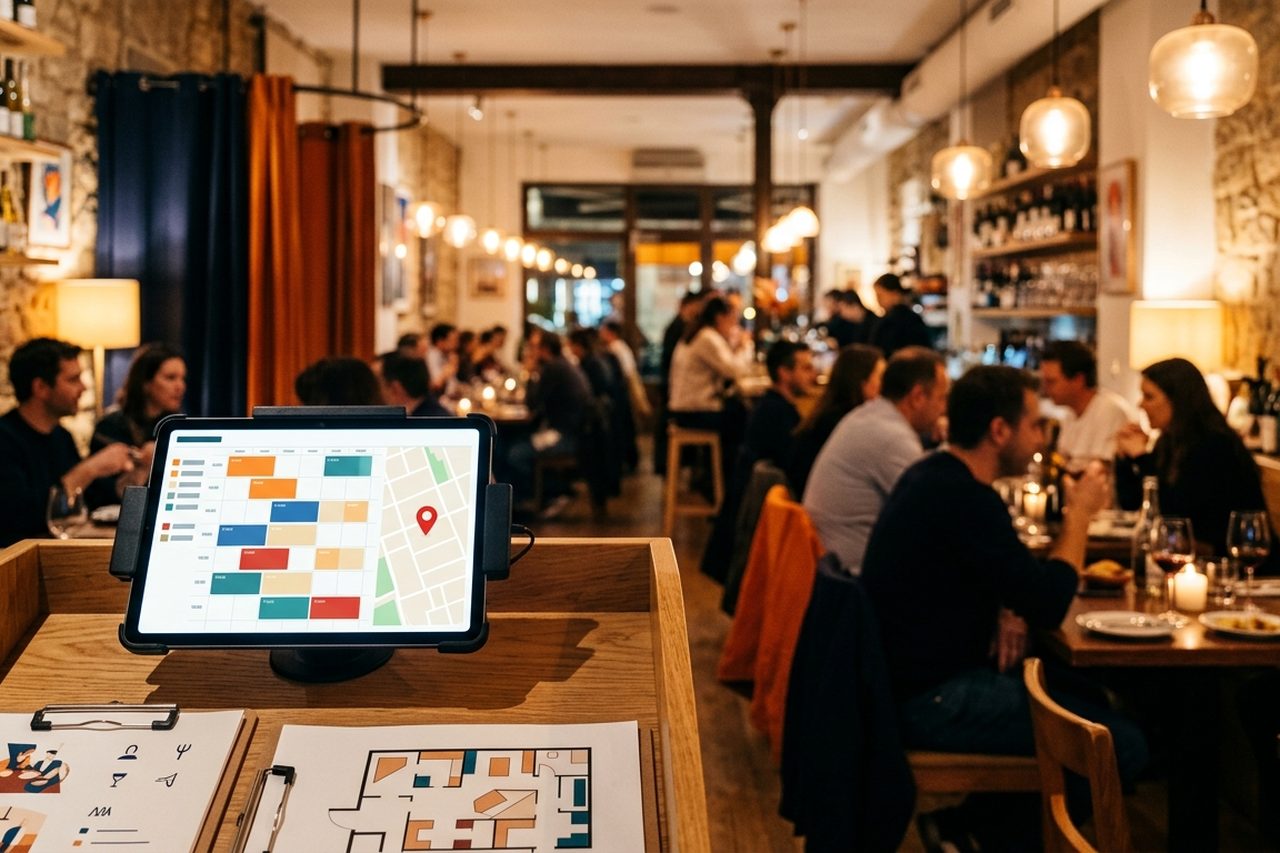
| Online bookings | Optional (WhatsApp can be enough) | Essential | Essential |
| Online orders | Depends on the model | Depends on the model | Depends on the model |
| Professional photography | Recommended | Essential | Essential |
| An “about us” page | Optional | Recommended | Essential |
| SEO blog | Optional | Recommended | Recommended |
| Events and private hire | Does not apply | Optional | Essential |
| Multilingual | Does not apply | Depends on the tourist area | Essential if there is demand |
| Legal notice and GDPR | Essential | Essential | Essential |
The rule is simple: cover what is essential for your size first and add layers afterwards. A small website done well converts better than an ambitious one left half finished.
Common mistakes that make a restaurant website fail
After reviewing many hospitality websites, these are the faults that repeat most:
- A menu as a scanned PDF, the most frequent mistake: it does not adapt to a phone, it does not index on Google and it forces a download just to see what you eat.
- A book button hidden in the menu: if someone has to look for it, you have lost the conversion.
- Stock photos: the customer notices those dishes are not yours, and the distrust is hard to recover.
- Out-of-date hours, especially on holiday: if they do not match Google’s, the customer does not know which to believe.
- A website that is slow on a phone: if it is slow to load, the customer leaves before seeing it.
- No legal notice or privacy policy: on top of the legal risk, it conveys little seriousness.
- Google reviews ignored: if they are good and you do not show them, you waste your best sales argument; if they are bad and you do not manage them, you let them speak for you.
If you are creating or redesigning your website, do not do it all at once: start with contact details, hours and a menu in HTML, follow with real photos and bookings, sort out the legal notice and the local SEO, and leave the blog, multilingual support and events for when the rest is done. If you do not know where to start, at GastroSEO we design websites for restaurants and hospitality with all of this built in from day one. If you are wondering how much it costs to cover all of this, you have the real price ranges and examples of restaurant websites analysed.
Frequently asked questions
What are the main elements a restaurant website should have?
Clear contact details (address, phone, hours), a menu in HTML, a visible booking system, real photographs, a connected Google Business Profile listing, a legal notice and privacy policy, and a technical base that is fast and adapted to phones. Everything else (blog, multilingual support, events) depends on the size and the business model.
What does a website need in order to work well?
It works well when the customer finds what they are looking for in seconds: where you are, when you open and how to book. Technically, it should load quickly, look right on a phone, be accessible and comply with data rules. As a business, it should be aimed at turning visits into bookings or orders, not only at looking pretty.
Is an online booking system compulsory on the website?
It is not legally compulsory, but it is highly recommended. A visible book button reduces friction and captures customers who would otherwise phone or choose another restaurant. If your volume is low, a WhatsApp button can be enough at the start.
Do I need a legal notice and a cookie policy on my restaurant’s website?
Yes. If your website collects personal data (bookings, newsletter, orders) or sets cookies, the GDPR and the Spanish LSSI require you to have a legal notice, a privacy policy and a cookie policy with prior consent. If you use an external booking system, part of the processing is done by the provider, but you remain the controller.
How does local SEO affect a restaurant’s website?
It determines whether your restaurant appears when someone searches for “Italian restaurant near me” or “where to eat in your neighbourhood”. It means an optimised Google Business Profile listing, consistent NAP between the website and directories, managed reviews and restaurant Schema markup. A website with no local SEO is invisible to anyone looking for where to eat in the area.
Which are the best restaurant websites to use as a reference?
There is no single answer: it depends on the type of restaurant. What is useful is to look at websites that handle the essentials well: a readable menu, visible bookings, real photos and a fast load. In our restaurant websites portfolio you can see real projects.
What is the difference between what is essential and what is optional according to the size of the restaurant?
A small bar works with contact details, a menu in HTML and a WhatsApp button. An independent restaurant also needs online bookings, professional photography and local SEO. A group with several sites needs a page per site, events and possibly multilingual support. The key is to cover what is essential for your size first and add layers afterwards.
What is the best program or platform for managing a restaurant’s website?
It depends on what you need. WordPress offers flexibility, but it requires maintenance; Wix is simpler, but it limits advanced SEO. For bookings, TheFork gives visibility in exchange for a commission, CoverManager gives more control and Reserve with Google captures bookings from the Google listing. What matters is not the tool, but that the website covers the essentials. If the question is whether to stay where you already are or commission the website from scratch, it is developed in Wix or WordPress for a restaurant.