What hyperlocal SEO means in hospitality
Neighbourhood, street and a few metres: how a restaurant shows up on Google Maps when the person searching is already next door, and how that parts from competing for the whole city.
Hyperlocal SEO is the work that gets a bar, a restaurant or a café to show up when someone searches for the neighbourhood, the street or a place a few metres away. It lives on Google Maps, in a menu that can be read, and in a name, an address and a phone number that match everywhere.
Hyperlocal SEO means showing up for the neighbourhood, the street or a few metres away
Hyperlocal SEO gets the venue to appear when the search already names the immediate area: the neighbourhood, the street, the metro exit, the market, or the metres between that person and the door. It is not a city campaign and it is not a national keyword.
Someone searching this way is usually on foot. They open the map, look at the three places Google puts on top and pick one. That is why the piece that weighs most is the Google listing, and the website has to say the same thing as that listing: where the venue is, what it serves and how to get there.
- Neighbourhood. The page and the listing name the real neighbourhood, not only the municipality.
- Street and landmark. A metro exit, a market or a square a neighbour recognises.
- A few metres. The search starts beside the venue. Distance is set by the person searching, not by the copy.
- Google Maps. The useful result is the one on the map, with photos, reviews and the directions button.
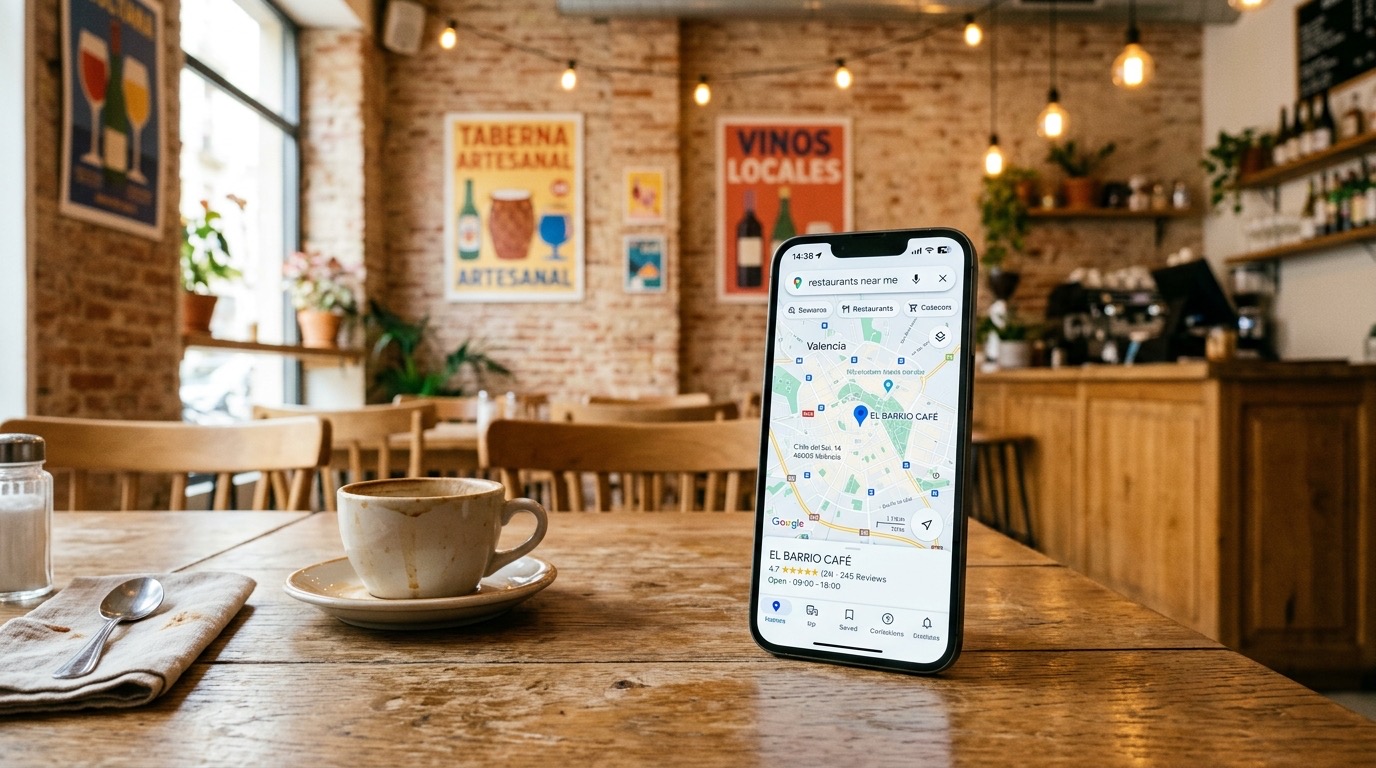
It parts from city SEO because the search is no longer the municipality
City SEO answers "restaurant in [city]": the whole municipality, the visitor who has not chosen a neighbourhood yet, and the listing that competes with every venue in that city. Hyperlocal SEO answers someone who is already on a specific street. They are two intents. Mixing them in the same title splits the page that already ranks for the city.
Madrid is an example, not the subject of this guide. A pizzeria in Malasaña, a burger restaurant in Chamberí and a sushi bar by Sol are not fighting the same result as someone searching for a restaurant across the whole capital. City competition, tourist versus resident, and the plan by municipality are on restaurant SEO in Madrid.
The size of that competition is provincial, not a neighbourhood census. On 1 January 2025 the province of Madrid had 29,854 food and beverage service premises (CNAE 56), and Spain had 270,205. That is a figure from the INE (DIRCE, table 301), not a census of Malasaña, Chamberí or Sol. City SEO speaks to that scale. Hyperlocal SEO speaks to the metres around the door.
The three layers — city, neighbourhood and AI — stay explained in what local SEO for restaurants is. This page develops only the neighbourhood layer.
On Google Maps, distance between the venue and the person searching carries the weight
On Google Maps the place depends on relevance, distance and popularity. Google Business Profile Help says so in "Tips to improve your local ranking on Google", consulted on 26 September 2026: "Local results are mainly based on relevance, distance, and popularity."
Distance, on that same page, "refers to how far each business is from the customer who’s searching." If the person does not share where they are, Google uses what it knows about their location. It cannot be bought: "There's no way to request or pay for a better local ranking on Google."
- Relevance. The listing and the website match what was typed: kind of food, neighbourhood, terrace, takeaway.
- Distance. The metres between the door and the person searching. Copy does not move the venue.
- Popularity. How well known the business is. Google cites the links that point to the venue and the reviews: "More reviews and positive ratings can help your business’s local ranking."
Of the three, distance is set by the map. What can be worked on is that, at those metres, Google understands this venue is the answer: the right category, the neighbourhood written out, a readable menu and reviews that name the area.
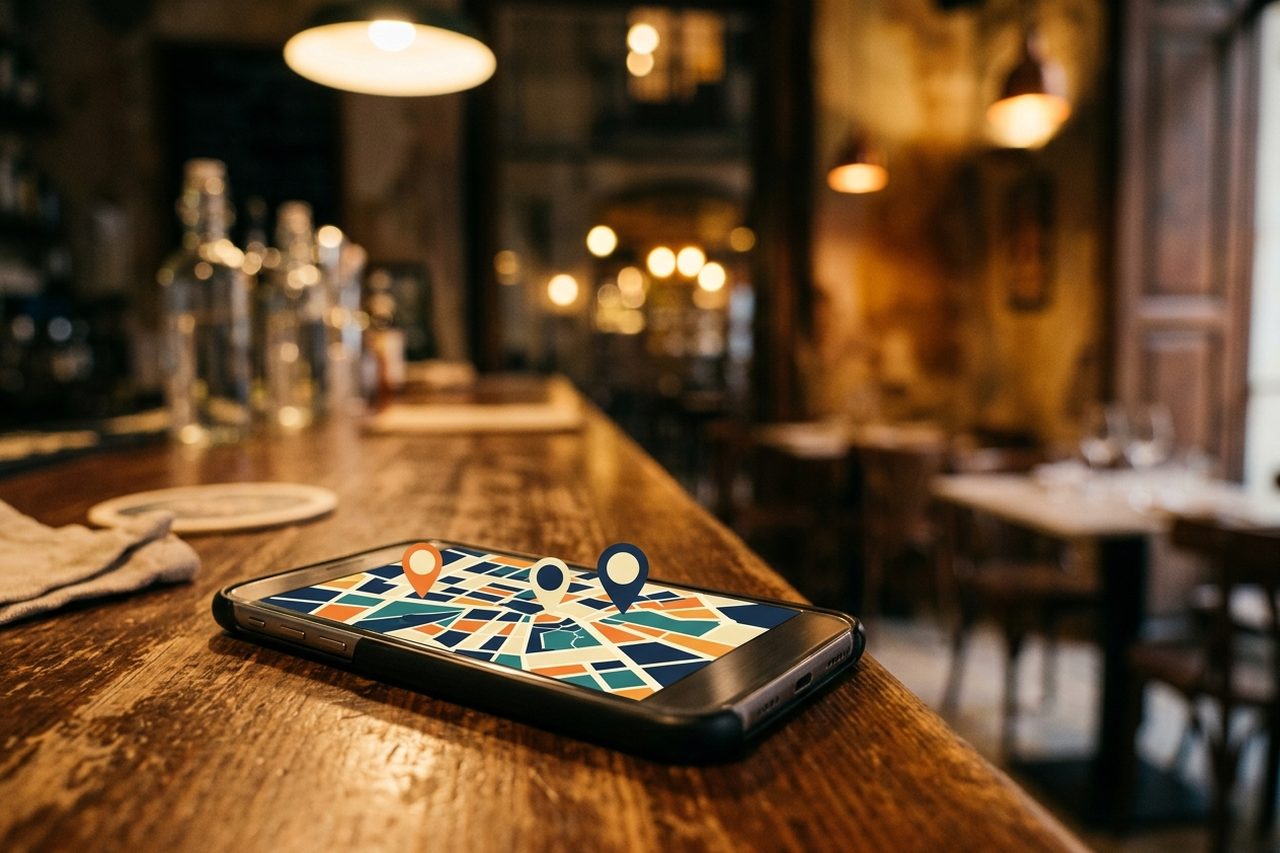
An HTML menu and a matching NAP say what you serve and where you are
An indexable menu is text on the page: each dish, with its name, not a photo of the paper and not a scanned PDF. Google can read the HTML. A picture of the menu does not give it the name of each pizza, each burger or each piece of sushi as text on the page.
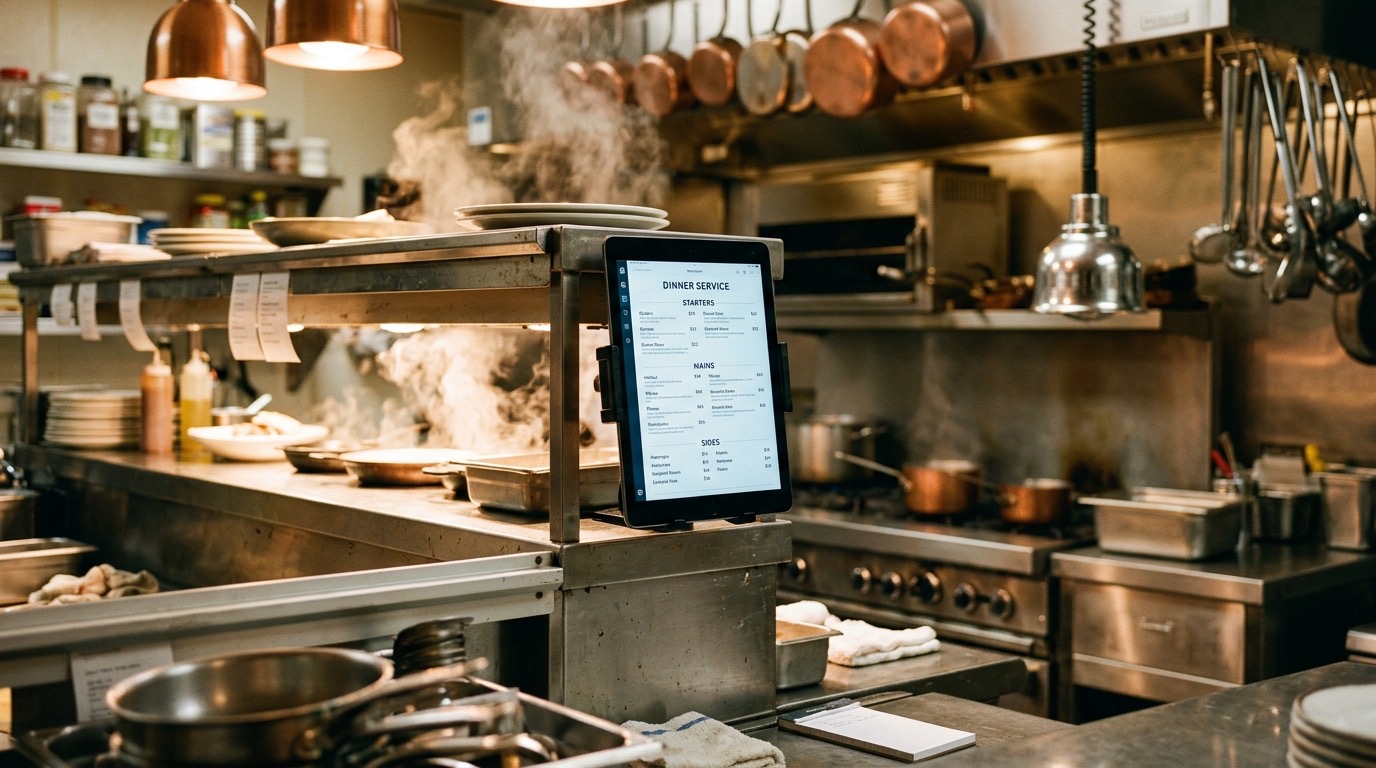
Schema.org defines the Menu type as the structured representation of what a food establishment offers, and the venue can point to it with hasMenu. That does not replace the visible text: it orders it so a machine knows what is the menu and what is the address.
NAP is the name, the address and the phone number. They have to be the same on the website, on the Google listing and in directories. Google’s help, consulted on the same 26 September 2026, puts it this way: "Businesses with complete and accurate info are more likely to show up in local search results." And if it is not accurate, "your Business Profile might not show up for relevant searches in your area."
- Name. The venue’s name, the same on the sign, on the listing and on the website. Do not add the city to the trading name if it is not part of the name.
- Address. Street, number and postcode identical. The neighbourhood is explained in the copy; a second address is not invented.
- Phone. The same number on the listing, in the website header and in directories.
A pizzeria, a burger restaurant and a sushi bar apply it on the same street
The mechanics are the same for all three. What changes is the dish that has to be readable and the landmark on the street. None of the three is the subject of this page: they are the example of how you step down from the city to the neighbourhood.
Pizzeria. Someone comes out of Sol metro and looks for pizza a few minutes away. The listing and the website name that exit and that street, and the HTML menu lists the pizzas, not a PDF. The guide for this type of venue stays at SEO for pizzerias.
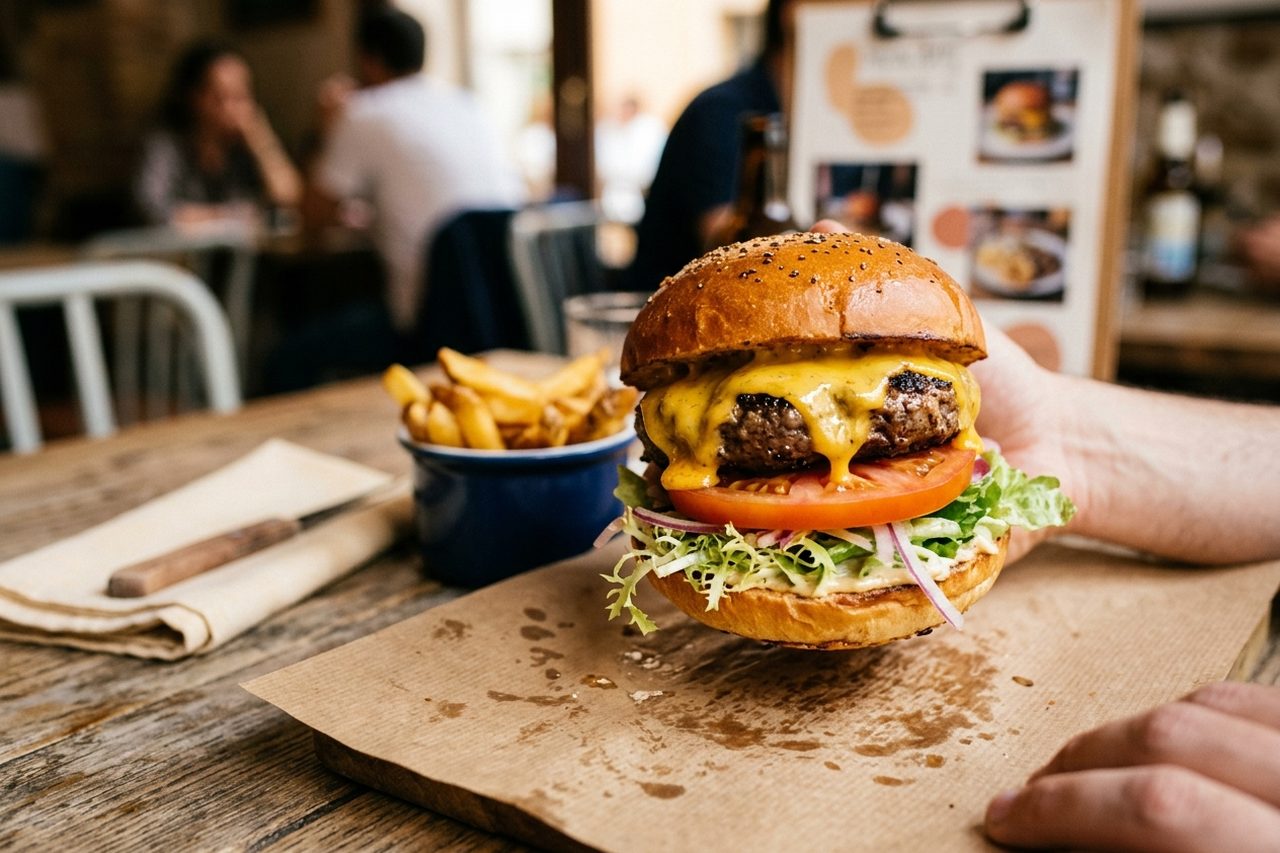
Burger restaurant. In Chamberí the search is the burger on that block, not "burger in Madrid". Each burger is written on the menu, with the neighbourhood on the page and the same NAP as the listing. The guide for this type of venue stays at SEO for burger restaurants.
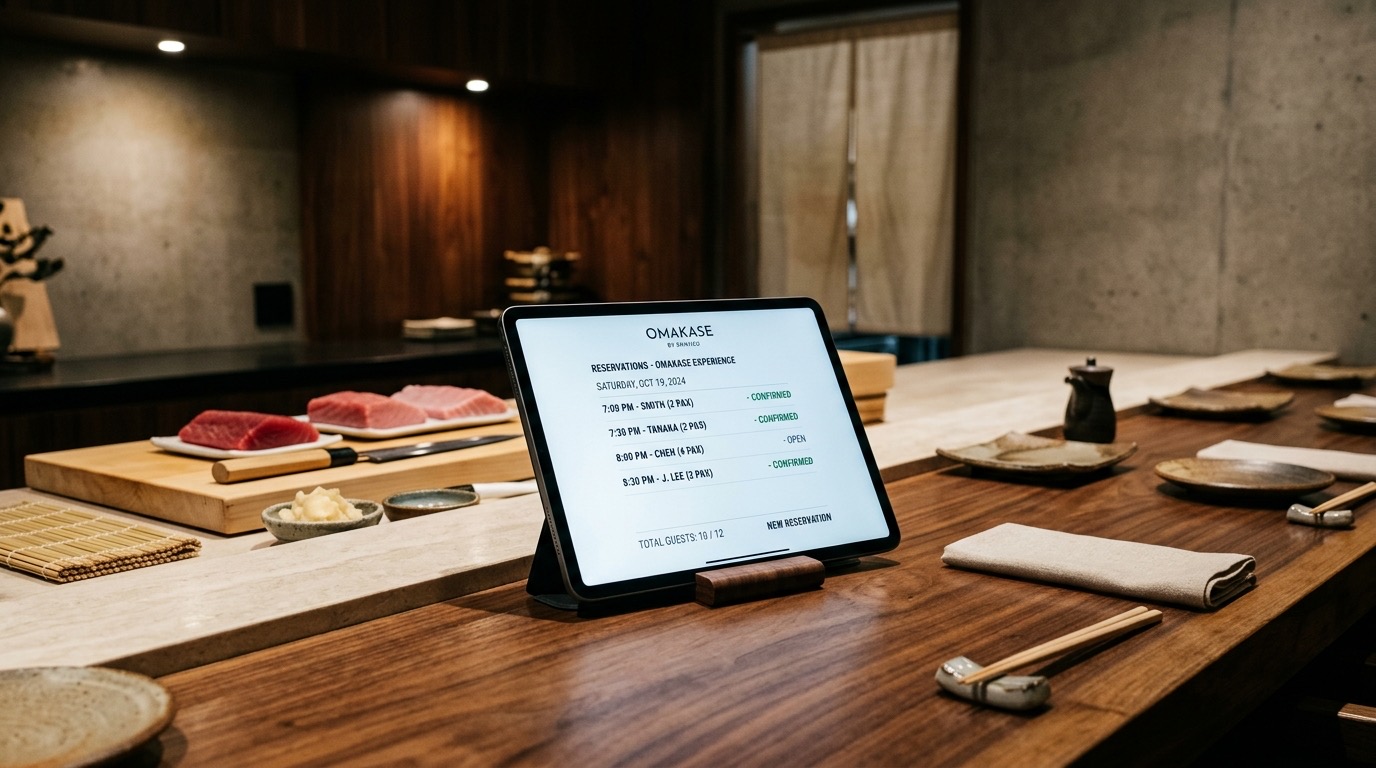
Sushi bar. In Malasaña the search is sushi in that neighbourhood, not "Japanese restaurant in Madrid", which is the city search. The menu names the dishes and the listing names the street. The guide for this type of venue stays at SEO for Japanese restaurants.
That work is already included in the restaurant plan
Neighbourhood pages, street signals on the website and on the listing, the indexable menu and the NAP are not a new service. They are already part of the restaurant plan, from 350 €/month with no lock-in. What is done each month is on SEO for restaurants.
Frequently asked questions
What is hyperlocal SEO in hospitality?
Hyperlocal SEO is the work that gets a restaurant, a bar or a café to show up when someone searches for the neighbourhood, the street or a place a few metres away, on Google Maps and on the website. It does not compete for the city name: it competes for the immediate area of the venue, with the Google listing, a menu that can be read dish by dish, and a name, address and phone number that match.
How does it part from city SEO?
City SEO answers searches for the whole municipality, such as "restaurant in Madrid" or "sushi in Barcelona". Hyperlocal SEO answers someone who is already in the neighbourhood or a few metres away: "pizza near Sol", "burger in Chamberí", "sushi in Malasaña". The city page covers the first intent. This guide covers the second. The provincial figure from the INE is not a census of the neighbourhood.
What decides Google Maps when someone searches nearby?
Google Business Profile Help, consulted on 26 September 2026, says local results are mainly based on relevance, distance and popularity. Distance is how far each business is from the customer who is searching. The same page says there is no way to request or pay for a better place on that map.
What is an indexable menu?
An indexable menu is the menu published as text on the website, dish by dish, not as a photo or a scanned PDF. That way Google can read what you serve. Schema.org defines the Menu type as the structured representation of what a food establishment offers.
What is NAP, and why does it have to match?
NAP is the name, the address and the phone number. Google’s help, consulted on 26 September 2026, says businesses with complete and accurate information are more likely to show up in local search, and that if the information is not accurate the profile may not show for relevant searches in the area. The same NAP has to match on the website, on the Google listing and in directories.
Do I need a separate service for the neighbourhood?
No. Neighbourhood pages, street signals on the website and on the listing, the indexable menu and the NAP are already part of the restaurant plan, from 350 €/month with no lock-in. It is not a new product.
Does it work for a pizzeria, a burger restaurant or a sushi bar?
Yes. What changes is the dish that has to be named on the menu and on the listing, not the mechanics: neighbourhood, street, metres, Google Maps, an HTML menu and NAP. The guide for each type of venue stays on its own URL.
Do you want this work on your street?
The neighbourhood, the menu and the NAP are already part of the restaurant plan. There is no separate product. If you want to see what it includes, open the plan; if you would rather tell us about the venue first, write.